Model Context Protocol (MCP)
Explore your F5 environment with AI
Ask questions. Get answers grounded in your configuration.
RadOptix for F5 supports the Model Context Protocol (MCP), enabling
compatible AI assistants to query collected F5 configuration and
change history through a read-only interface. It is another way to
explore the same collected data you see in the web interface.
Instead of manually searching across devices and objects, describe
what you need in natural language. Your assistant can inspect the
available database schema, query relevant records and turn the
results into summaries, comparisons and actionable investigation lists.
01
Understand your environment
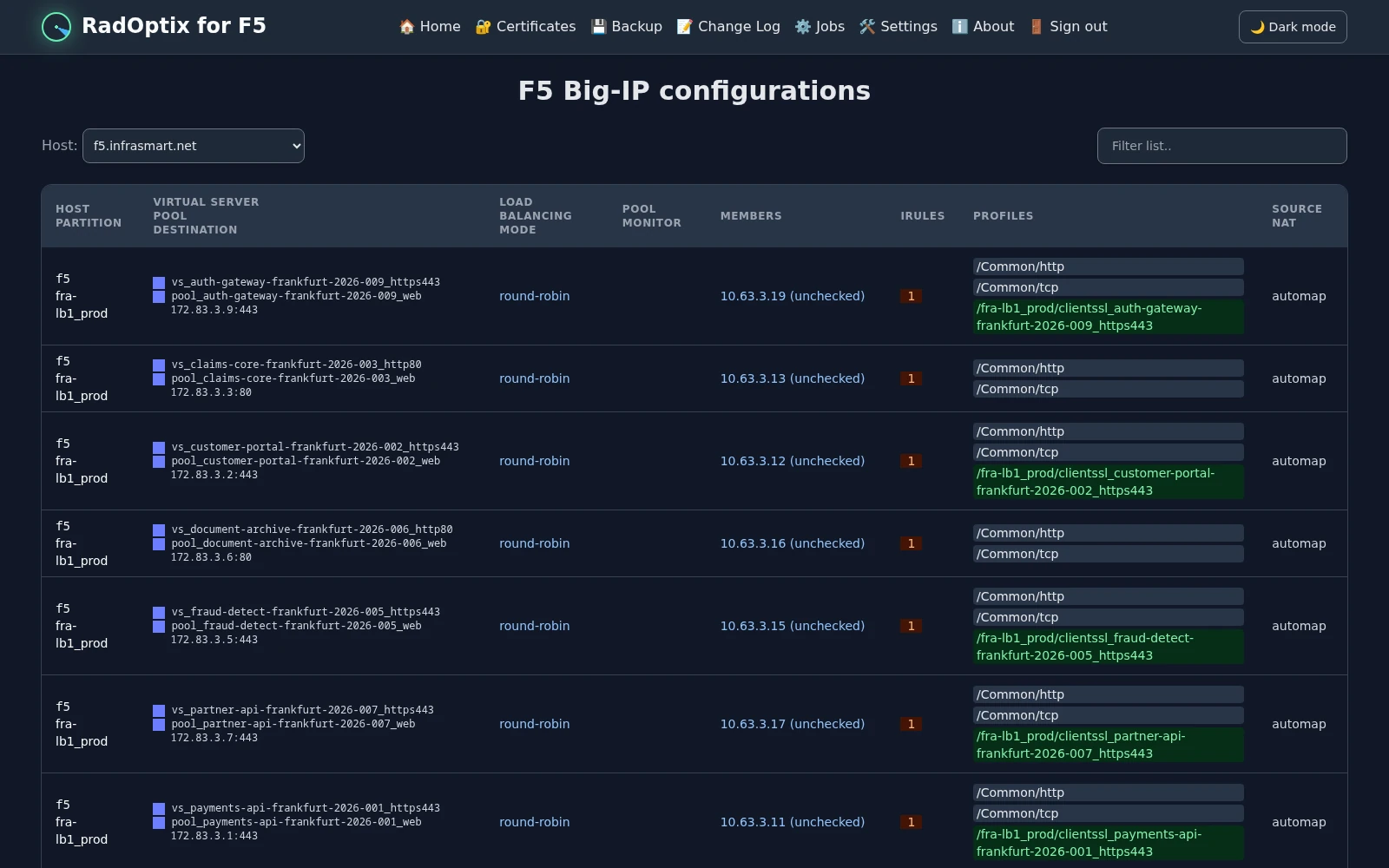
Summarize virtual servers, pools, pool members, nodes, iRules,
ClientSSL profiles and certificates across the F5 devices
represented in RadOptix.
02
Explore relationships and dependencies
Trace virtual servers to their configured pools, iRules and
profiles. Compare objects within the correct device context, even
when the same object names exist on multiple F5 devices.
03
Find cleanup candidates
Identify iRules with no direct virtual-server attachment and
certificates that are not referenced by any ClientSSL profile’s
certificate field. Separate built-in objects from custom
configuration to focus your review.
04
Review TLS configuration
Compare configured cipher strings and cipher groups across
ClientSSL profiles. Summarize certificate expiry dates and
identify profiles referencing a particular certificate.
05
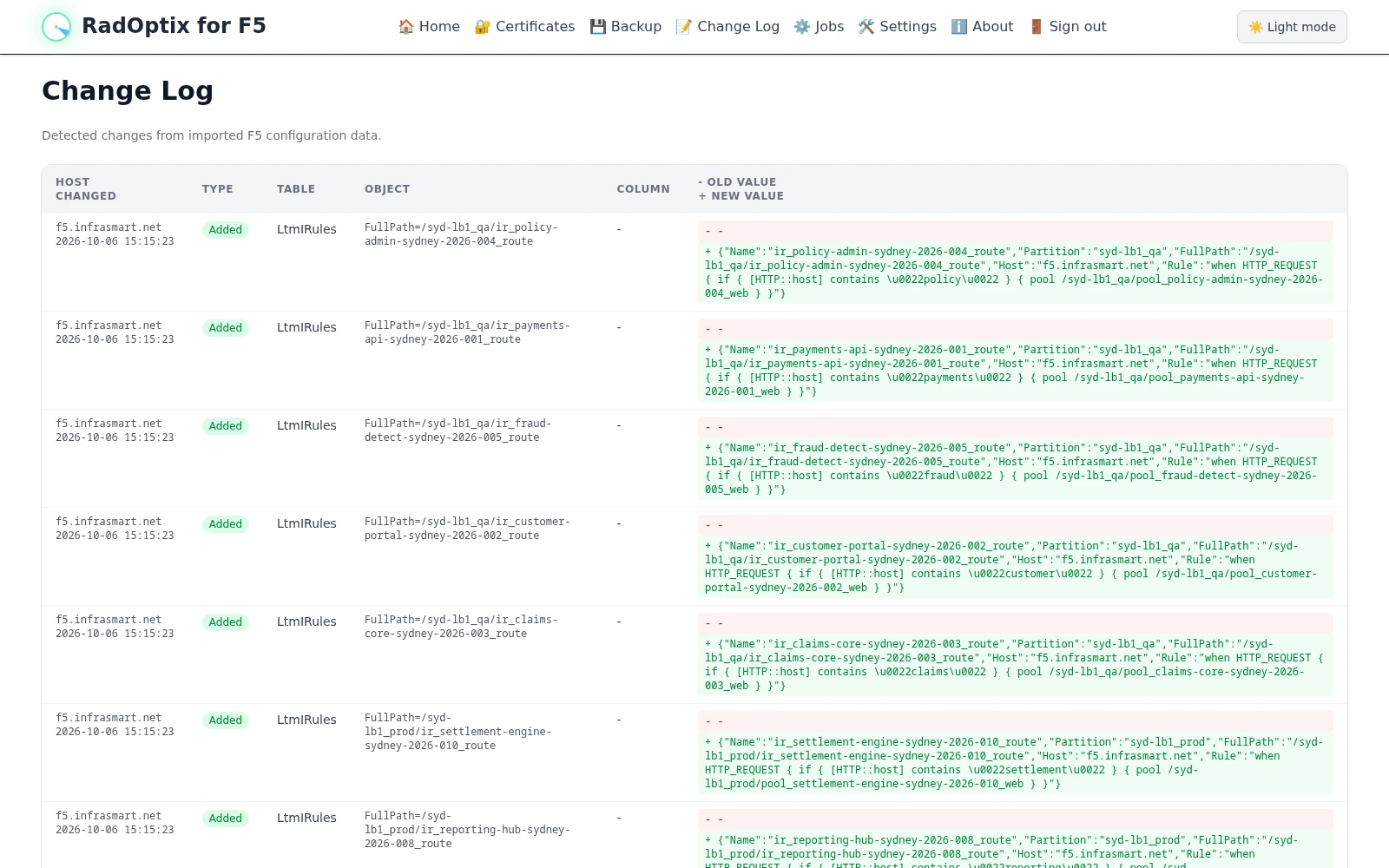
Investigate recorded changes
Explore change-log entries by device, object or time period,
including recorded old and new values.
06
Grounded in collected data
Answers reflect the configuration, status and change history
stored in RadOptix — not a live device health check or a
measurement of negotiated TLS traffic.
Static conversation examples
See what a conversation looks like
Ask a broad question, inspect the results, then drill down to a
specific device or configuration object. RadOptix MCP gives
compatible AI assistants read-only access to collected F5 data
so they can answer with concrete findings.
Illustrative conversations using anonymized sample data. Results
depend on the configuration collected by your RadOptix instance.
These are static examples, not a live chat interface. The MCP
interface does not execute configuration changes on F5 devices.
Example 1 — Understand your environment
-
You
Give me an overview of the F5 configuration available in RadOptix.
-
AI assistant
The collected configuration covers four F5 devices, with 300 virtual servers, 220 pools and 190 certificate records.
| Object type | lb-prod-01 | lb-test-01 | lb-edge-01 | lb-edge-test-01 | Total |
|---|
| Virtual servers | 90 | 60 | 120 | 30 | 300 |
|---|
| Pools | 60 | 45 | 90 | 25 | 220 |
|---|
| Pool members | 140 | 90 | 120 | 40 | 390 |
|---|
| Nodes | 95 | 70 | 110 | 45 | 320 |
|---|
| iRules | 40 | 35 | 65 | 30 | 170 |
|---|
| ClientSSL profiles | 45 | 35 | 60 | 20 | 160 |
|---|
| Certificate records | 40 | 35 | 70 | 45 | 190 |
|---|
Counts represent records per device. The same address, certificate or object name may occur on multiple devices.
This is an inventory of collected data, not a live device health check.
Example 2 — Find iRules for cleanup review
-
You
Which iRules are not attached to any virtual server? Just show the count per F5 and exclude built-in _sys_ rules.
-
AI assistant
24 custom iRule records have no direct virtual-server attachment on the same device.
| F5 device | iRules without direct attachment |
|---|
| lb-prod-01 | 4 |
|---|
| lb-test-01 | 7 |
|---|
| lb-edge-01 | 8 |
|---|
| lb-edge-test-01 | 5 |
|---|
| Total | 24 |
|---|
The comparison includes attachments to disabled and offline virtual servers.
-
You
Show me those iRules on lb-edge-01.
-
AI assistant
These eight iRules have no direct virtual-server attachment on lb-edge-01:
| iRule path |
|---|
/Common/legacy_redirect |
/Common/request_logging_old |
/Applications/portal_maintenance |
/Applications/portal_redirect_v1 |
/Applications/api_routing_test |
/Services/service_redirect_v2 |
/Services/service_redirect_v3 |
/Access/login_maintenance |
These are review candidates—not confirmed safe-to-delete objects. Indirect use through other iRules, profiles or system functionality has not been ruled out.
Example 3 — Find certificates without ClientSSL references
-
You
Which certificates are not used by any ClientSSL profile?
-
AI assistant
Seven certificate records are not referenced in the Cert field of any ClientSSL profile on the same device.
| F5 device | Certificate path |
|---|
| lb-prod-01 | /Common/company-root-ca.crt |
| lb-test-01 | /Common/company-root-ca.crt |
| lb-edge-01 | /Common/portal-old.example.com.crt |
| lb-edge-01 | /Common/intermediate-ca.crt |
| lb-edge-01 | /Access/partner-saml-signing.crt |
| lb-edge-test-01 | /Common/api-test-old.example.com.crt |
| lb-edge-test-01 | /Access/test-idp-signing.crt |
I matched certificate paths against ClientSSL certificate references within each device.
This does not establish that the certificates are unused everywhere. They may still be used for certificate chains, trust, ServerSSL, SAML/OIDC or other functions outside this comparison.
Example 4 — Compare TLS configuration
-
You
Show me which ciphers and cipher groups are configured, with profile counts per F5.
-
AI assistant
Across 160 ClientSSL profiles, 90 use cipher strings and 70 use named cipher groups.
Cipher strings
| Configured cipher string | lb-prod-01 | lb-test-01 | lb-edge-01 | lb-edge-test-01 | Total |
|---|
DEFAULT | 30 | 18 | 22 | 5 | 75 |
|---|
DEFAULT:!ADH:!EXPORT40:!EXP:!LOW | 5 | 5 | 0 | 0 | 10 |
|---|
DHE-RSA-AES256-GCM-SHA384 | 1 | 1 | 2 | 1 | 5 |
|---|
| Total | 36 | 24 | 24 | 6 | 90 |
|---|
Cipher groups
| Configured cipher group | lb-prod-01 | lb-test-01 | lb-edge-01 | lb-edge-test-01 | Total |
|---|
/Common/f5-secure | 8 | 10 | 20 | 12 | 50 |
|---|
/Common/company-tls-policy | 0 | 0 | 15 | 1 | 16 |
|---|
/Common/f5-quic | 1 | 1 | 1 | 1 | 4 |
|---|
| Total | 9 | 11 | 36 | 14 | 70 |
|---|
These counts include all collected ClientSSL profiles, including profiles that may not be attached to a virtual server. They show configured values—not cipher suites observed in live connections. Cipher-group names alone do not establish which suites they contain or whether they meet a security policy.